DocumentationKNet Connectors
KNet Connectors
Connect third-party apps, agent skills and plugins once, then use them from Kue, K-Nets and your agents (MCP).
KNet Connectors connects KNetAI to other software. You connect an app once per workspace; then Kue, your K-Nets and your agents can call its functions through the Model Context Protocol (MCP). Connectors is also how Kue reaches the rest of the platform. It lives at flow.knetai.com/connectors; one integration is a connector.
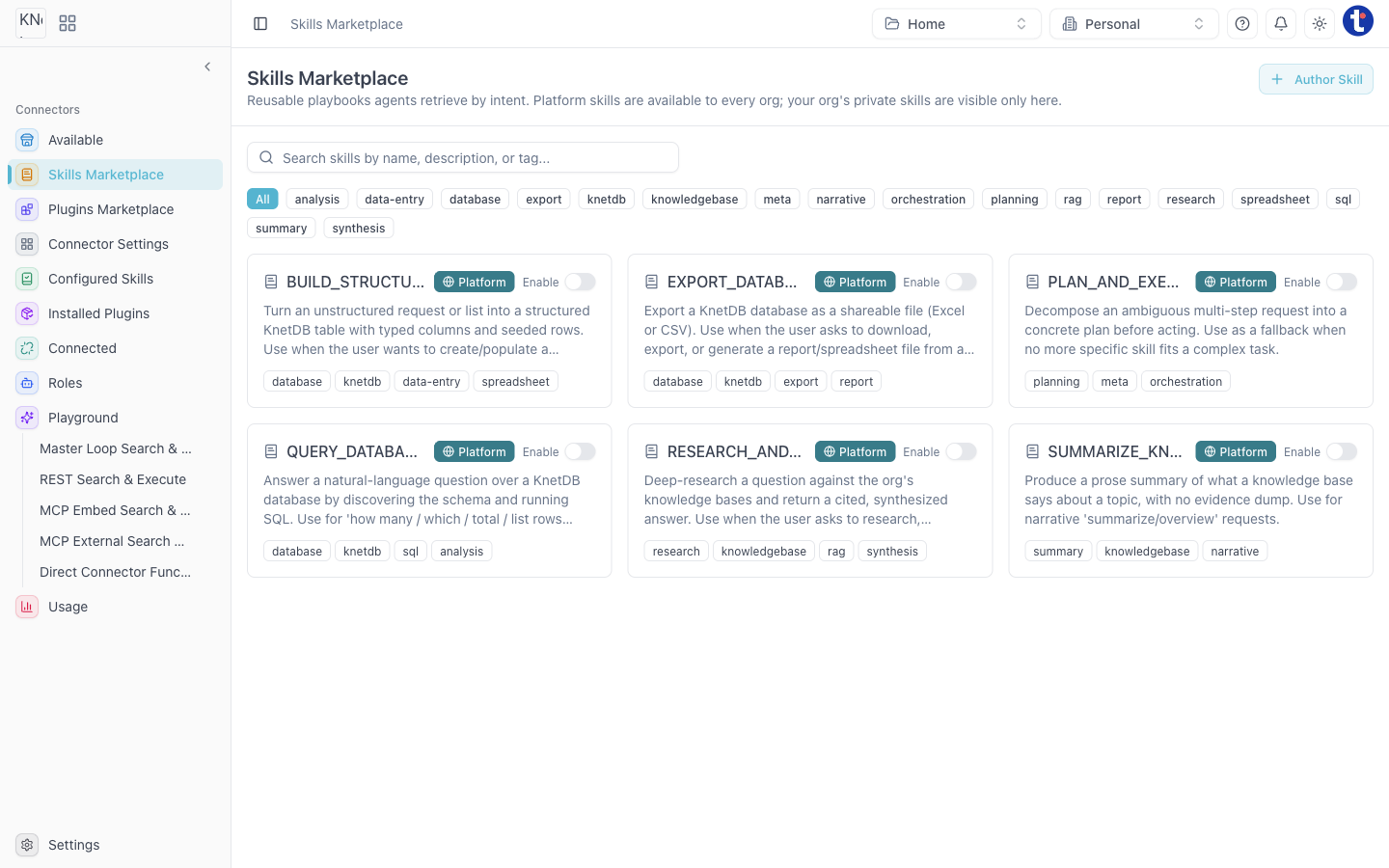
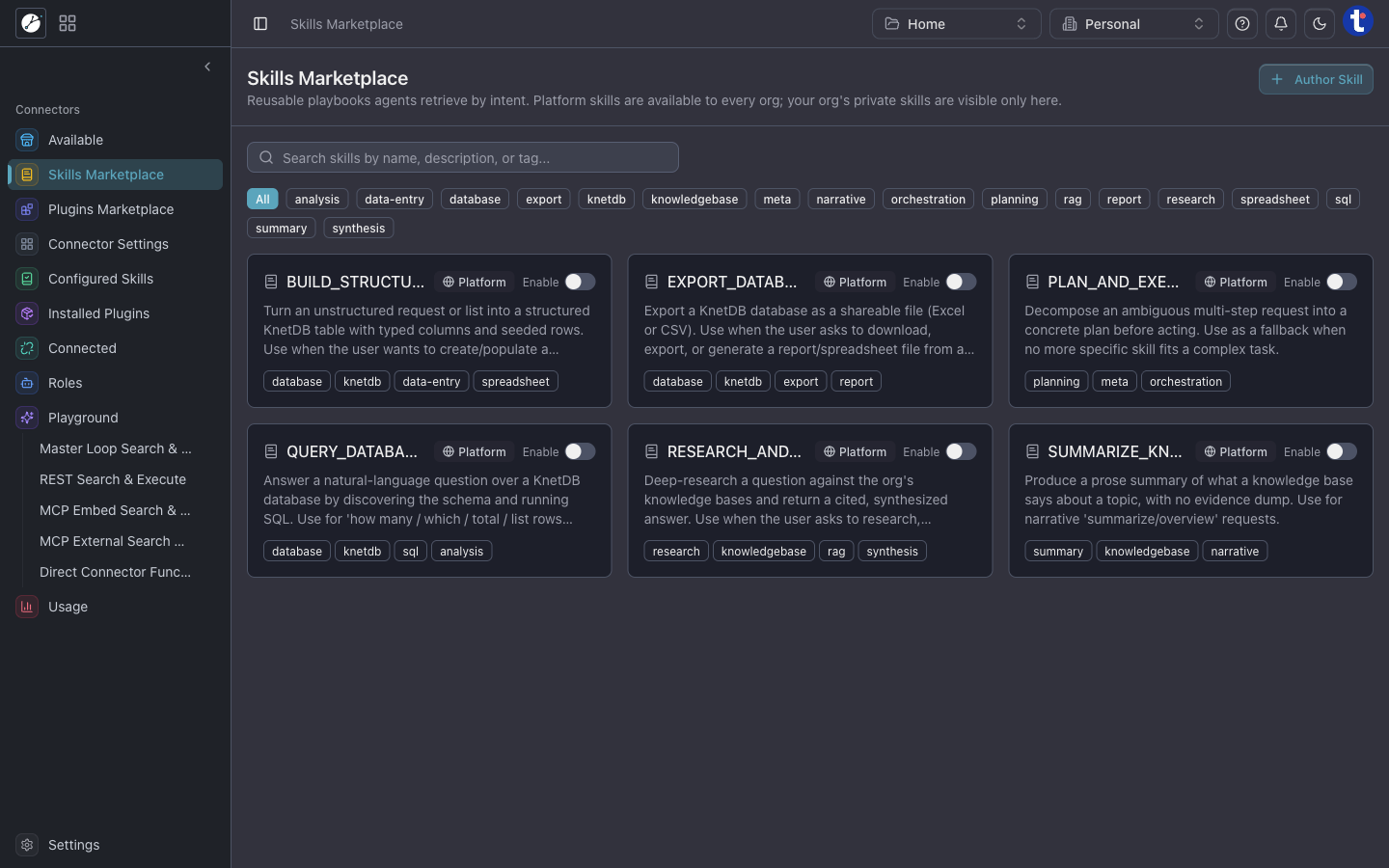
Skills Marketplace
The Skills Marketplace gives your agents reusable, intent-driven playbooks that execute deterministically across your services:
- BUILD_STRUCTURED_DATA: Turn natural language requests or unstructured lists into typed KnetDB tables with seeded rows.
- QUERY_DATABASE: Answer complex user queries by automatically discovering database schema and executing verified SQL.
- EXPORT_DATABASE: Export structured tables as shareable files (Excel or CSV) or generated summary reports.
- RESEARCH_AND_ANSWER: Deep-research queries against your org's Knowledge Bases and produce cited, synthesized briefings.
- SUMMARIZE_KNOWLEDGE_BASE: Generate clean prose overviews of indexed collections without messy raw evidence dumps.
- PLAN_AND_EXECUTE: Break ambiguous multi-step goals into structured plans before delegating to worker tools.
- Author Skill: Create and publish custom private skills scoped to your organization.
Pages
| Page | What it is for |
|---|---|
| Skills Marketplace | Browse, enable, and author modular agent skills |
| Available | Connect and discover third-party services and Model Context Protocol (MCP) servers |
| Plugins Marketplace | Install and manage community and enterprise plugins |
| Connector Settings | Manage API credentials and environment secrets |
| Configured Skills | Inspect active skills and their per-workspace parameters |
| Installed Plugins | View installed plugin tools and exposed endpoints |
| Connected | Authenticated third-party OAuth accounts |
| Roles | RBAC permission boundaries restricting which connectors an agent role can invoke |
| Playground | Test agent execution loops: Master Loop Search, REST Search, MCP Embed, MCP External, and Direct Connector Calling |
| Usage | Monitor tool call frequency, latency, and quotas |
Typical tasks
- Connect Gmail: Available → Gmail → configure → link your account.
- Test a function before an agent uses it: Playground.